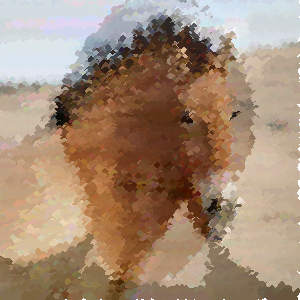
An example image. I selected the line tool, thickened the pen a little, and then ran:
-image alda.tga -image2 horse.tga -crossfade .7 -jigfactor 5 -stepx 2 -stepy 3 -uselines
I can't get it to work!
Where do I have to unzip the files to and how do I get the command line find the app?
If someone has the patience to explain it to some dummy like me....
he shunt,
i had the same problem at first. figured it out one second ago.
go to "start" -> "run" and type in: cmd
a command box pops up, now change the directory to your drawringapp folder. do so with: cd C:\desktop\drawringapp (or whereever you unzipped it)
now you can type in: drawringsapp -image saturn.tga
works for me, except my screen resolution is far too low (1024x768 max). dont now if its the easiest way. im a newbie too 8)
Comments (3)